Use case
Rehearse your conference talk
Upload your talk, pick the Conference Keynote template and give it from start to finish. Only the domain expert can cut in, so the run is mostly about delivery. The review shows your pace minute by minute and how long you spoke.
Set up the room
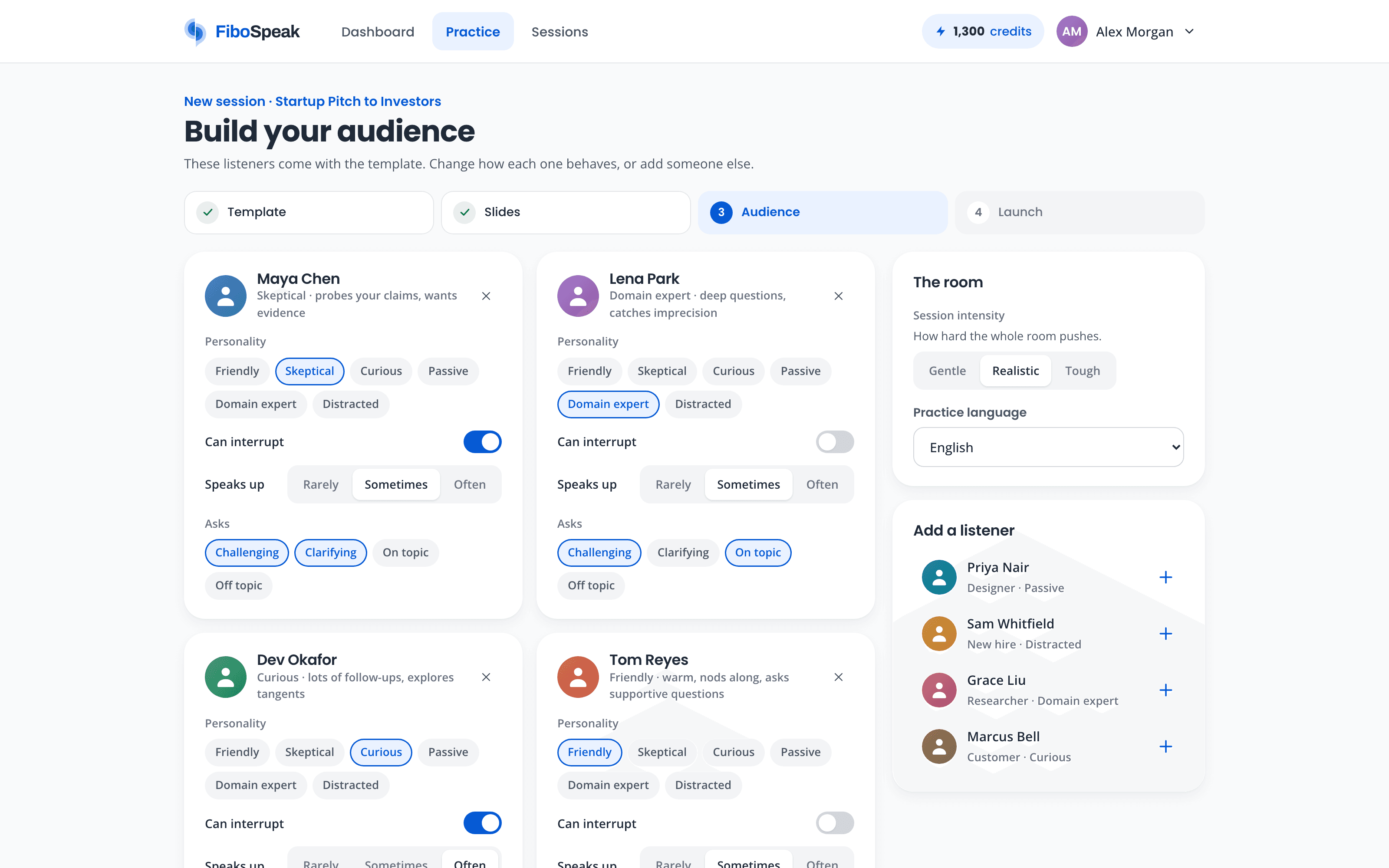
Start from the “Conference Keynote” template: 4 listeners, about 18 minutes.
- Tom Reyes FriendlyWarm, nods along, asks supportive questions.
- Dev Okafor CuriousLots of follow-ups, explores tangents.
- Lena Park Domain expertDeep questions, catches imprecision.Can interrupt
- Priya Nair PassiveQuiet, rarely interrupts, hard to read.
Want no interruptions at all? Switch off Can interrupt, or present in solo mode with no listeners.
What the review shows
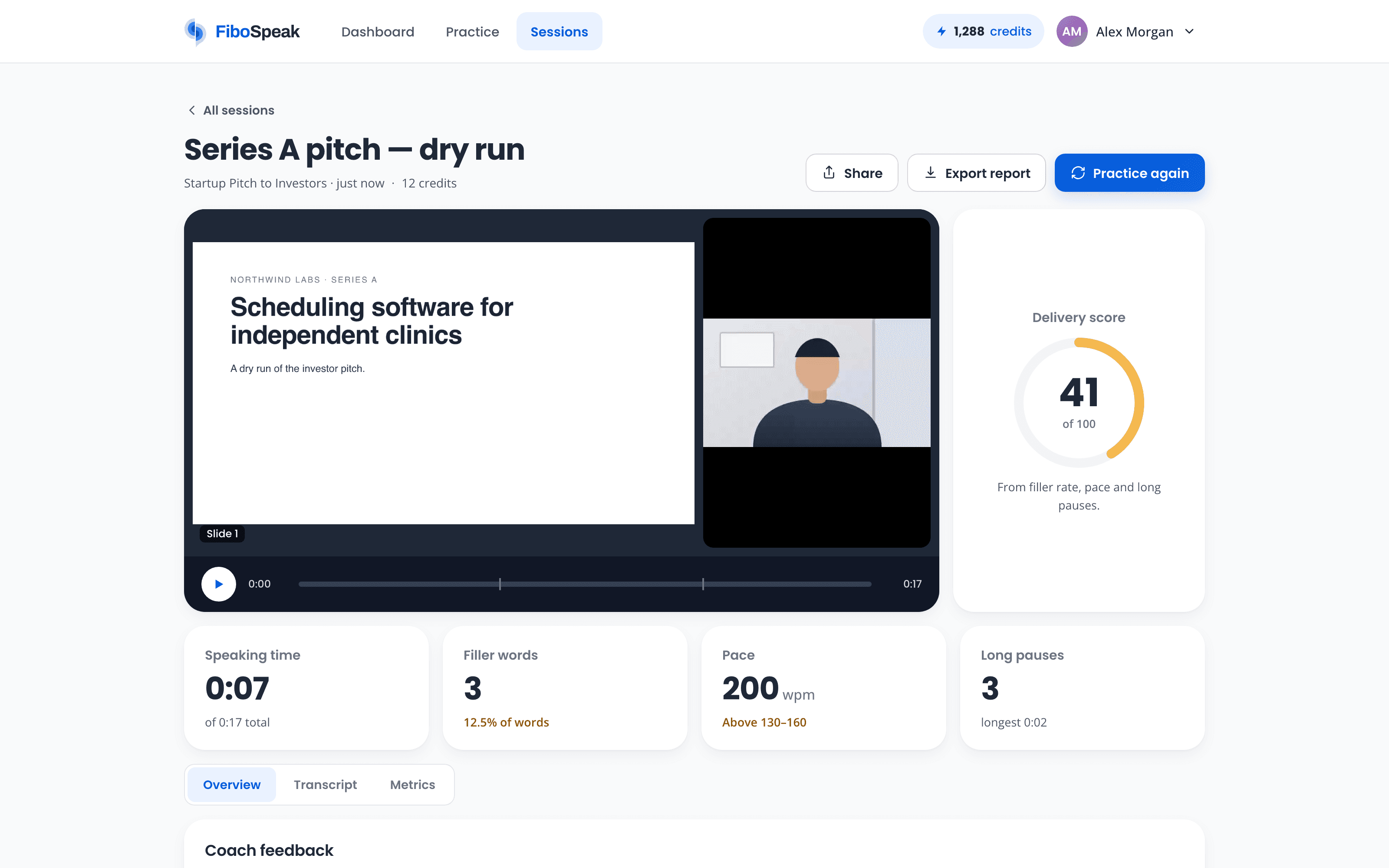
- Pace minute by minute, against the usual range when you present in English.
- Speaking time against your total, to check you fit the slot.
- Filler words per minute, so you see where you reached for words.
- How much of each slide you read out word for word.
Questions
Can I turn off the questions?
Yes. Switch off Can interrupt for each listener, or present in solo mode. You still get the recording and the review.
What pace should I aim for?
In English, the review marks the usual range, 100 to 165 words per minute, and shows where you went above or below it. Other languages show your pace without a range for now.
Who can watch my recording?
Only you, signed in. No FiboSpeak feature lets staff watch or listen to your runs.